Thank you
for installing!
No need for digging through several menus to find desired option. All frequently used options only one click away.
How to manage extension?
Learn how to use extension with few simple tips below...
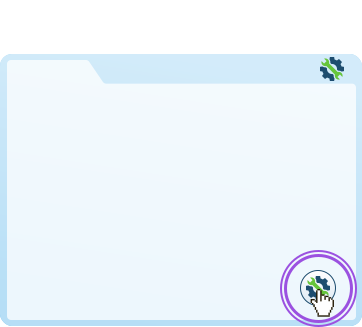
Activate extension window
Simply click on the floating action button on any website you are visiting and open your extension.
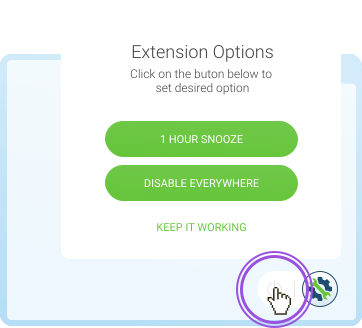
How to disable action button?
To hide extension button from page, hover it and click power off button to get more options.
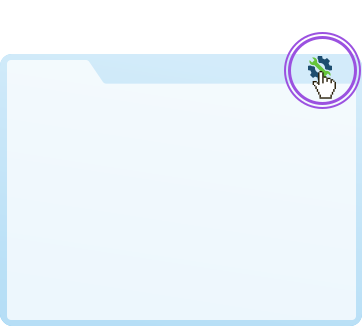
How to enable action button?
Find extension icon in the toolbar and click. And then just activate Enable extension everywhere.
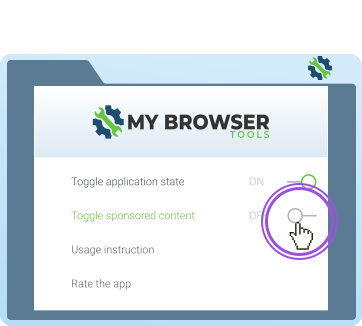
Managing sponsored content visibility
Turn off sponsored content by switching ‘Toggle sponsored content’ to Off.
How to use tools?
Learn how to use extension tools with few simple tips below...
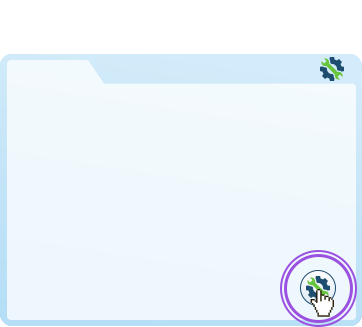
Activate extension window
Simply click on the floating action button on any website you are visiting and open your extension.
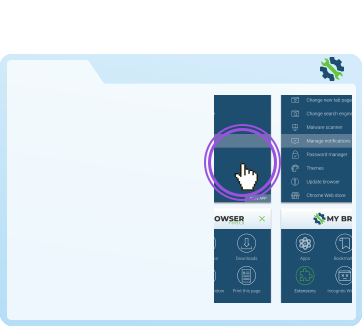
Activate desired option!
Click on the desired option and it will open desired tool. Simple as that!
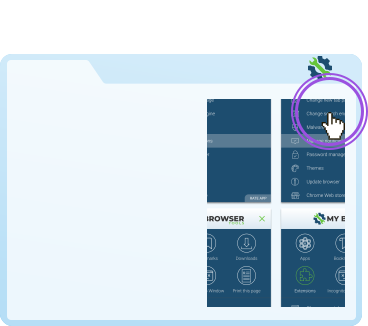
How to close extension?
Find close icon in the extension toolbar. And then just click. Extension can be activated from toolbar.